
AI Hair Color Changer
Thinking about going blonde, red, or even pastel pink? Upload a selfie and see exactly how it looks on you — before spending $200+ at the salon.
No photo? Try a model
Estimated generation time: 15-20 seconds
Change Your Hair Color in 3 Steps
Upload Your Photo
Take a selfie or upload a front-facing photo. The AI hair color changer detects your hair boundaries, skin tone, and lighting automatically.
Pick a Hair Color
Browse 20+ colors across 4 families — Brunette, Blonde, Red, and Bold fantasy shades like lavender, teal, and pastel pink.
Preview Your New Hair Color
AI generates a realistic color preview in seconds, matching the shade to your natural lighting and skin tone. Download it or show your stylist.
Why Try Hair Colors with AI First
AI-Powered Realism
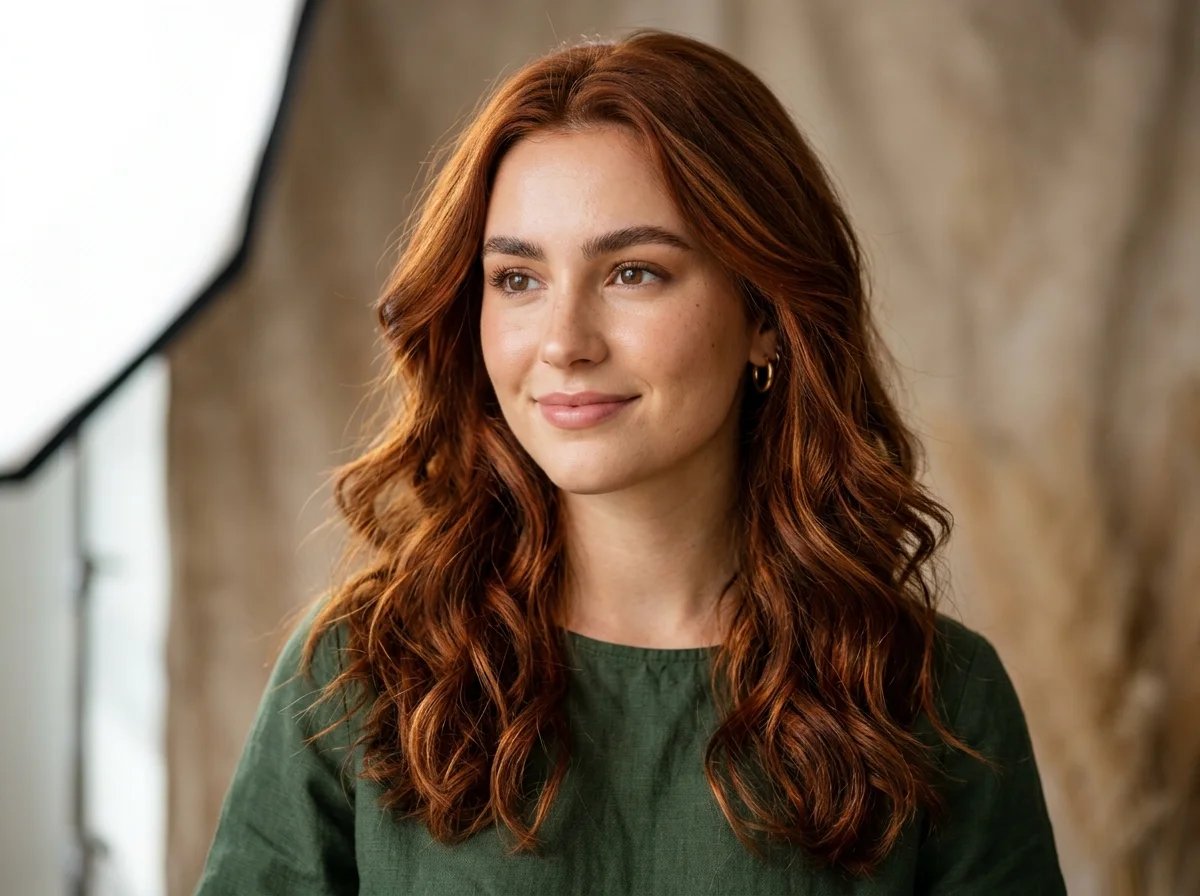
Realistic Hair Color, Not a Cheap Filter
Our AI hair color changer doesn't just overlay a flat tint. It understands light, shadow, and hair texture to produce results that look like a real dye job — not a cartoonish tint.
Full Color Library
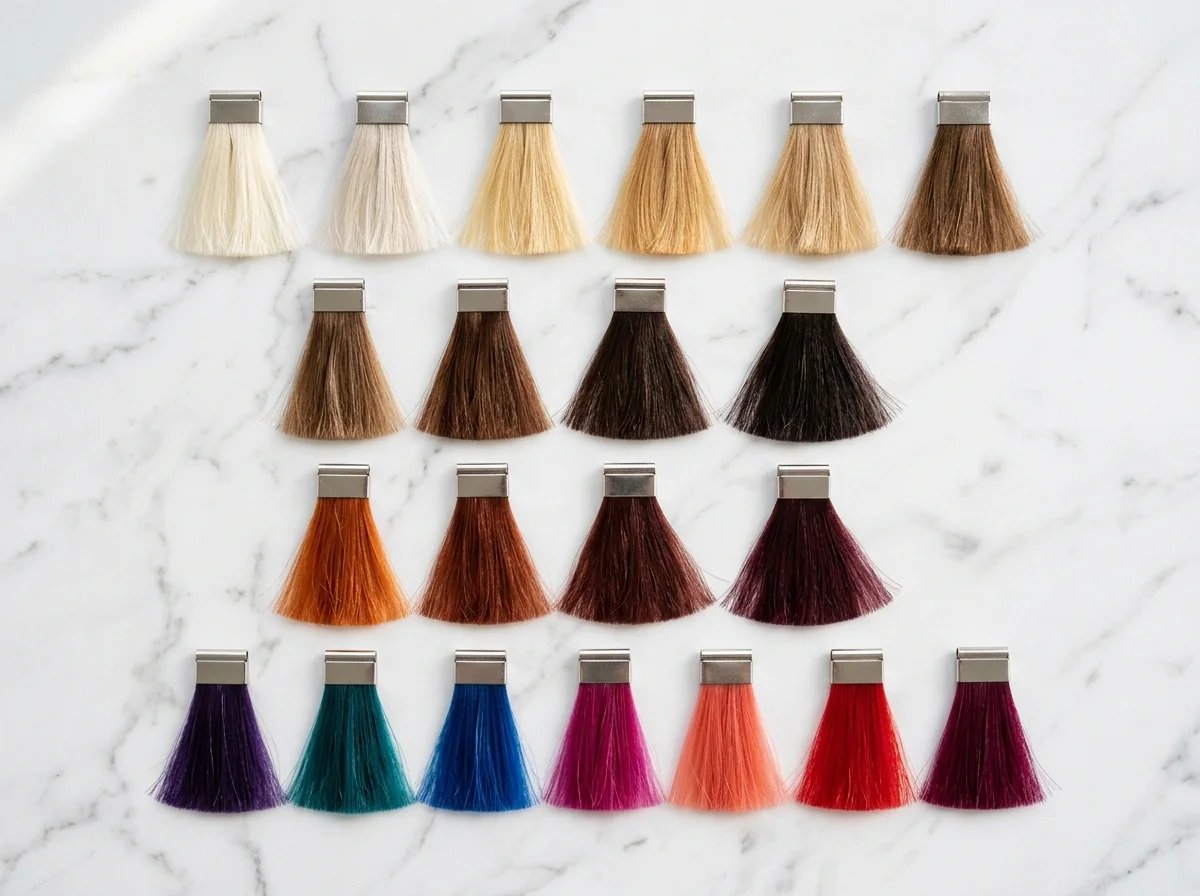
20+ Hair Colors Across 4 Families
From natural shades like Honey Brown and Ash Blonde to bold options like Teal and Electric Blue. Organized by Brunette, Blonde, Red, and Bold families so you can browse and compare easily.
Skin Tone Aware
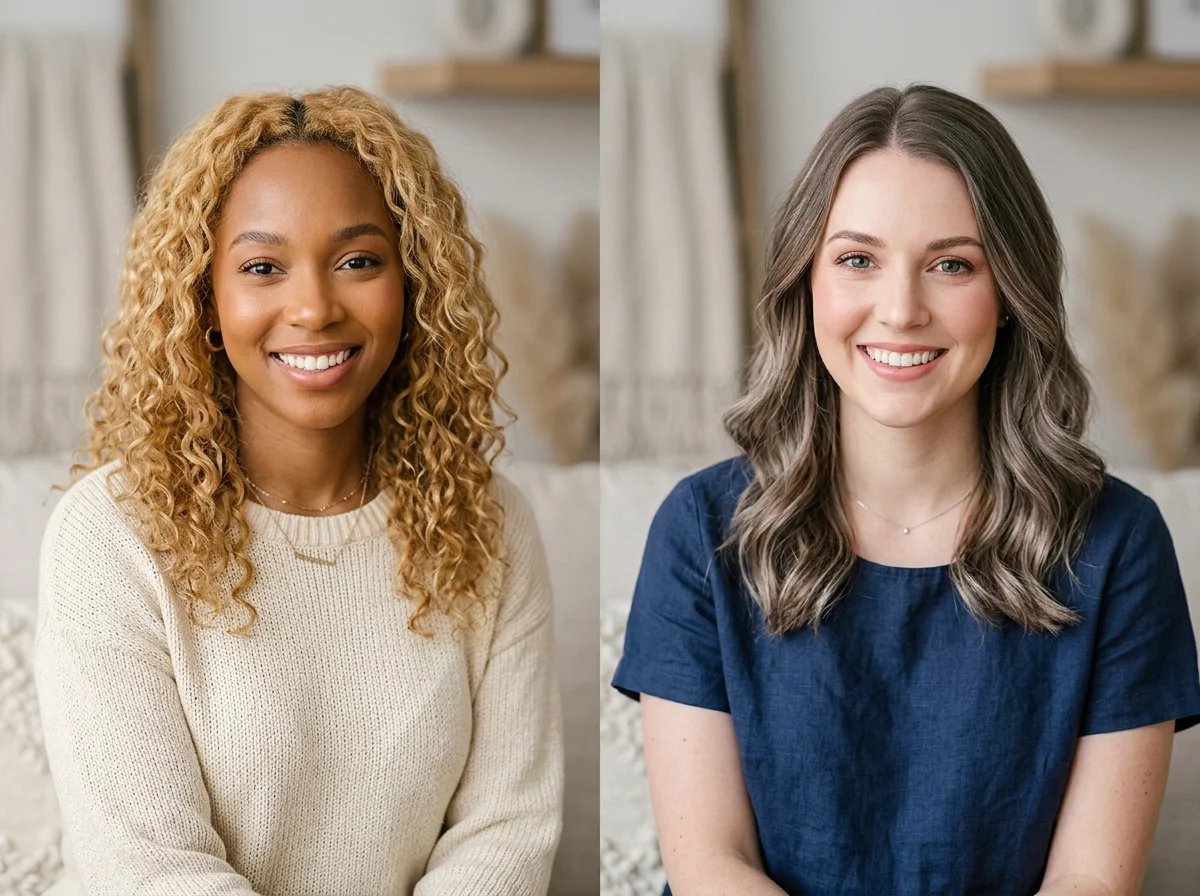
Hair Colors Matched to Your Skin Tone
The AI preserves your natural complexion and lighting. Compare warm vs. cool hair colors side by side to see which truly complements your features — no color theory degree needed.
Zero Damage
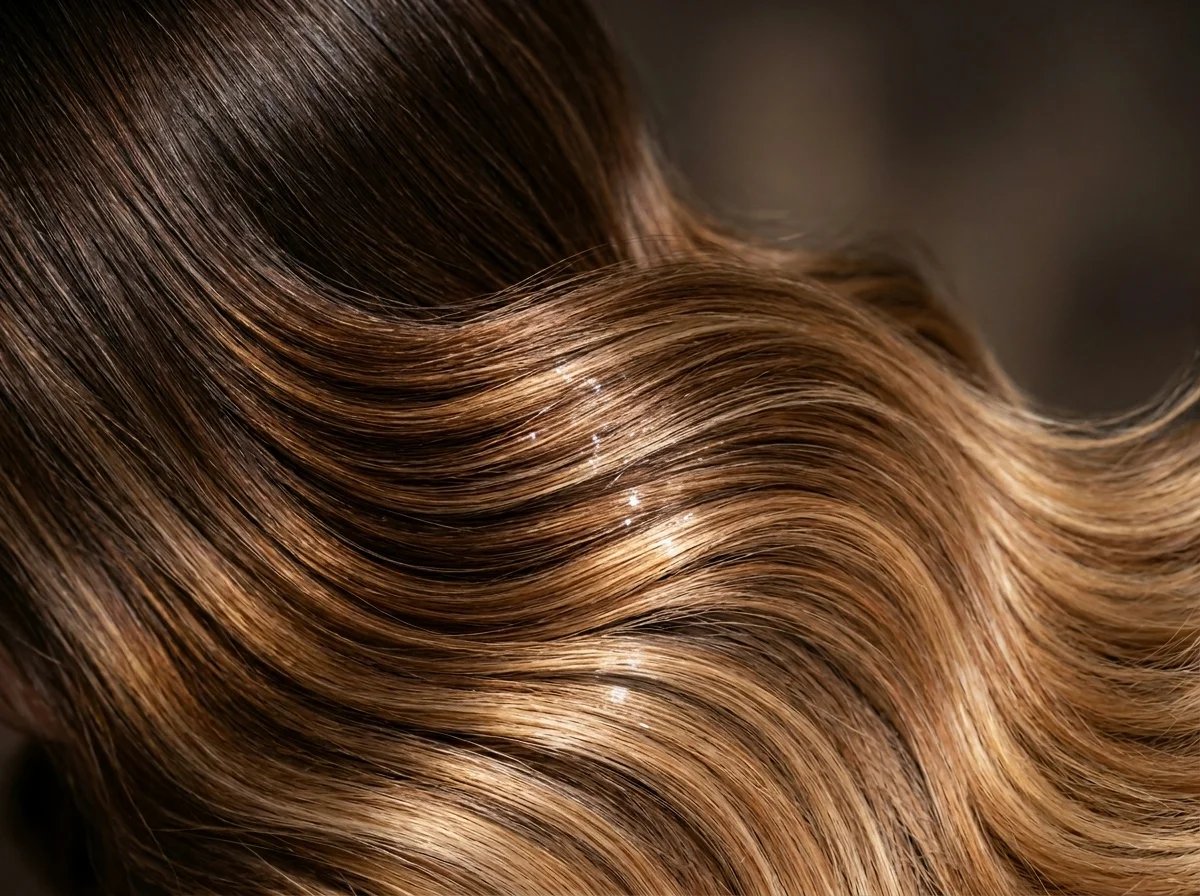
Change Hair Color Without Damage
Chemical dye damages hair. Bleaching even more so. Preview every shade you're curious about without touching a single strand. Try 10 hair colors in 5 minutes — zero risk.
See If a New Hair Color Suits You
Scared blonde won't suit you
“I want to go blonde but I'm scared it won't suit me”
You've been saving blonde inspo on Pinterest for months. But doubt creeps in every time you almost book the appointment. Use the AI hair color changer to see yourself as a blonde in 10 seconds — no commitment, no damage, no regret.
Need to be sure before the salon
“My salon wants $300 and I need to be sure first”
A full color session costs $150–$300. Color correction if it goes wrong? Even more. Preview your exact shade with AI before sitting in the chair, so you and your stylist are on the same page from day one.
Curious about bold colors
“I want a fun color but my workplace is conservative”
Pastel pink? Lavender? Teal? Try bold and fantasy hair colors on your photo first. You might find a subtle copper or ash blonde that gives you the change you want without the office drama.
Don't know your best color
“I don't know what hair color matches my skin tone”
Warm undertone? Cool undertone? Neutral? Most people can't tell. The AI hair color changer adapts results to your skin, so you can visually compare which shade family flatters you most — no color theory degree needed.
Learned from a bad dye job
“I dyed my hair last time and hated it”
That box dye disaster taught you a painful lesson. This time, change your hair color with AI first. Try the exact shade you're considering and see it on YOUR face — not on a model with completely different features.
Show your stylist the exact color
“I want to show my stylist exactly what I mean”
Describing a color in words never works. 'Warm caramel' means something different to everyone. Generate a preview of your new hair color and bring it to your appointment. No more miscommunication.
Hair Color Changer FAQ
Our AI analyzes your photo's lighting, hair texture, and skin tone to generate natural-looking results. Unlike simple color overlays, it renders highlights, shadows, and color gradients that mimic a real dye job. Results are excellent for making go/no-go decisions before the salon.
Yes. Every new account gets free credits to generate your first hair color previews. You can try multiple colors to compare before upgrading for unlimited access.
The AI hair color changer offers 20+ colors in 4 families: Brunette (Chocolate, Honey Brown, Chestnut, Espresso, Caramel), Blonde (Platinum, Golden Blonde, Sandy, Ash Blonde, Strawberry), Red (Copper, Auburn, Wine Red, Mahogany, Ginger), and Bold (Silver, Lavender, Teal, Pastel Pink, Steel Gray, Electric Blue).
That's exactly what this AI hair color changer helps you figure out. Upload your photo and try different shades — the AI preserves your natural skin tone in the result, so you can visually compare which colors complement your complexion rather than relying on generic advice.
Currently the tool focuses on full hair color changes across 20+ shades. For highlights and balayage effects, try our custom prompt mode where you can describe the exact look you want.
A clear, front-facing photo with good lighting gives the most realistic AI hair color results. Avoid hats, heavy shadows, or photos where hair is tied back. Natural light near a window works great.
Your privacy is important to us. Uploaded photos are used solely for generating your hair color preview and are not shared with third parties or used for training.
Absolutely — that's one of the most popular use cases. Download your AI hair color preview and bring it to your appointment. It eliminates the guesswork of describing a color in words and ensures you and your stylist are aligned.
Try Your New Hair Color Now
Upload your photo, pick a shade, and find out if it's the one — before you spend a dollar at the salon.
No app download needed. Works right in your browser.